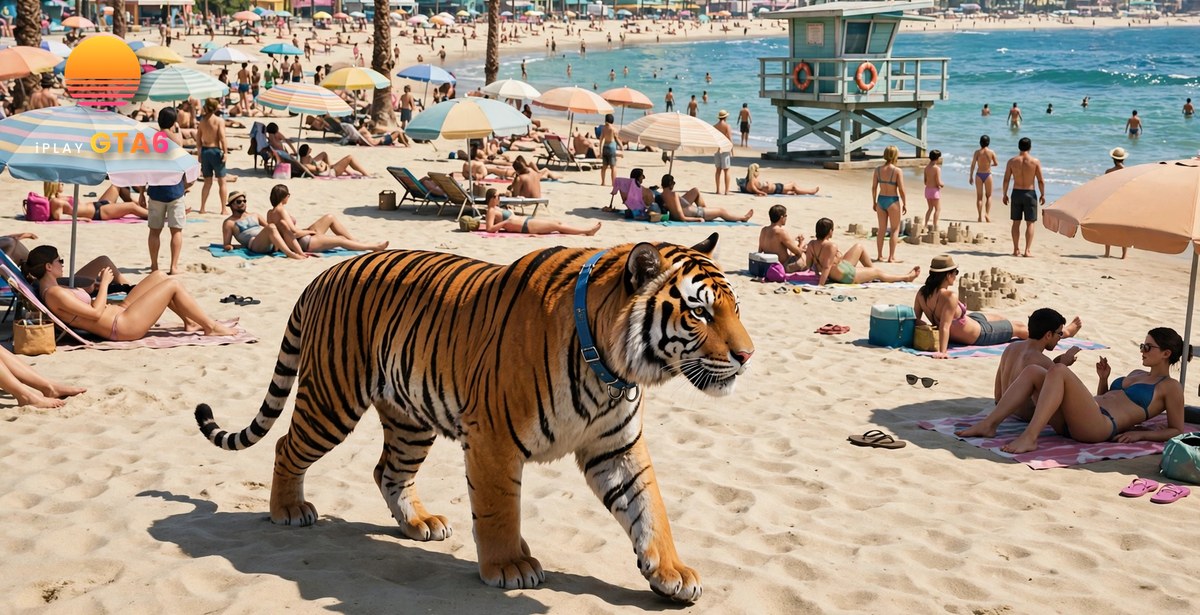
There is no prone button in GTA 6. You cannot lie flat on your belly and crawl, no matter which button you hold, and no control scheme hides the option. The prone animation was in the leaked builds from 2022, but it was cut from the final release, and the game shipped with crouching as the lowest stance you can choose. So what is the viral GTA 6 prone clip everyone is sharing? That is a different story.
This guide explains what the viral clip actually shows, why prone is not a move you can use, and what GTA 6 gives you instead: a crouch, a hidden sit and rest feature that players found by accident while trying to go prone, and the ability to flip a car back onto its wheels.
GTA 6 Prone: Can You Go Prone?
No. The answer is simple, and every control list in the game agrees with it. GTA 6 has no prone stance, no belly-crawl, and no button that drops your character flat. The prone animation appeared in the 2022 leaked builds, where players could see a character going prone, but it did not survive into the final release. What shipped instead is a crouch, which is the lowest stance you can pick.
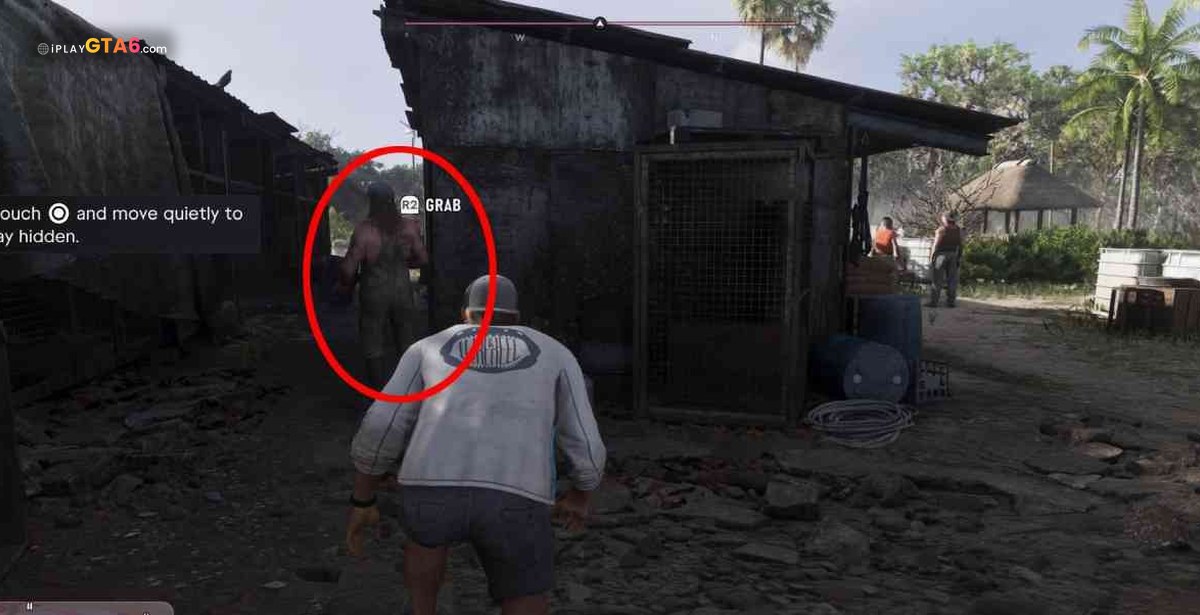
Crouching is on Circle or B by default, or L3 if you use the Classic control scheme, and it is context sensitive. The same button that crouches can do something else near an object or an NPC, so the game decides what you meant based on where you are standing.
If you came here hoping for a hidden button combination, there is not one. The prone animation you saw in a clip is not a move. It is a moment the game plays on its own, in a specific situation, and you cannot trigger it on demand.
The Viral GTA 6 Prone Clip, Explained
The clip that started the conversation shows a character dropping into a prone-style position by accident, in a spot where the game needed the character low to get through. The best-known example is a boat scraping under a low bridge.
That is the pattern with the animation: it shows up as a contextual response, when the game puts a character into a low position to fit a space or a scripted moment. Players see it, assume there must be a button, and spend an evening holding every combination they can think of. There is no button, and the clip is the proof of the animation existing, not of a hidden move.
Our hidden controls guide covers the real moves the game never explains.
What to Do Instead: Crouch in GTA 6
Crouching is your low stance, and it is the tool to use when you want to stay small. It works in stealth, it works behind cover, and it works when you need to move quietly through a tight space. Near cover, press R1 to take cover instead of crouching. Our GTA 6 stealth guide has the full breakdown of how crouching, cover, and noise work together.
The Sit Trick Players Found by Accident
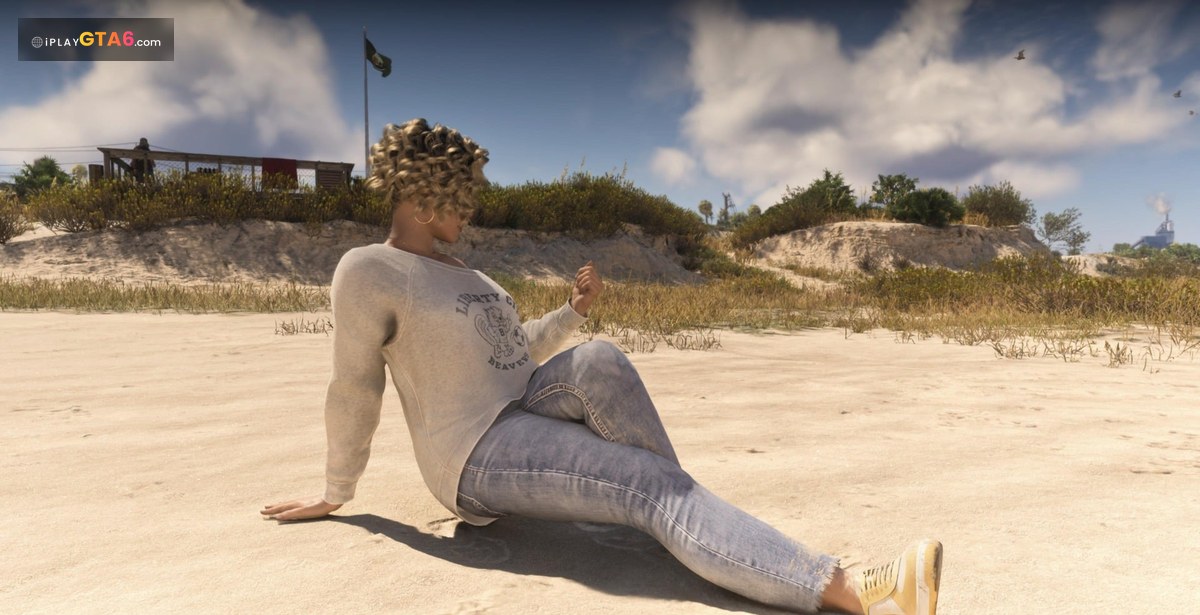
The best thing to come out of the search for prone is a real feature nobody was told about. Hold Circle or B while on foot and your character will try to rest. On grass or sand, Jason and Lucia sit down and chill. In open ground they lean on one foot and relax. Near a wall, they rest against it. The game never explains this, and the player who wrote about it found it while trying to go prone and holding the crouch button.
Find a spot you like: a beach, a patch of grass, a campfire, or a wall to lean on.
Hold Circle on PS5 or B on Xbox while on foot.
Let go to stand up again. Sitting does not heal you or pass time, it just lets you take in the world.
It is a small feature, but it is the one GTA has rarely offered before: the chance to just sit and watch Leonida go by. A busy stretch of beach, a campfire in the woods at night, a quiet corner of the city, all of them work.
Flip a Car Instead of Crawling Under It
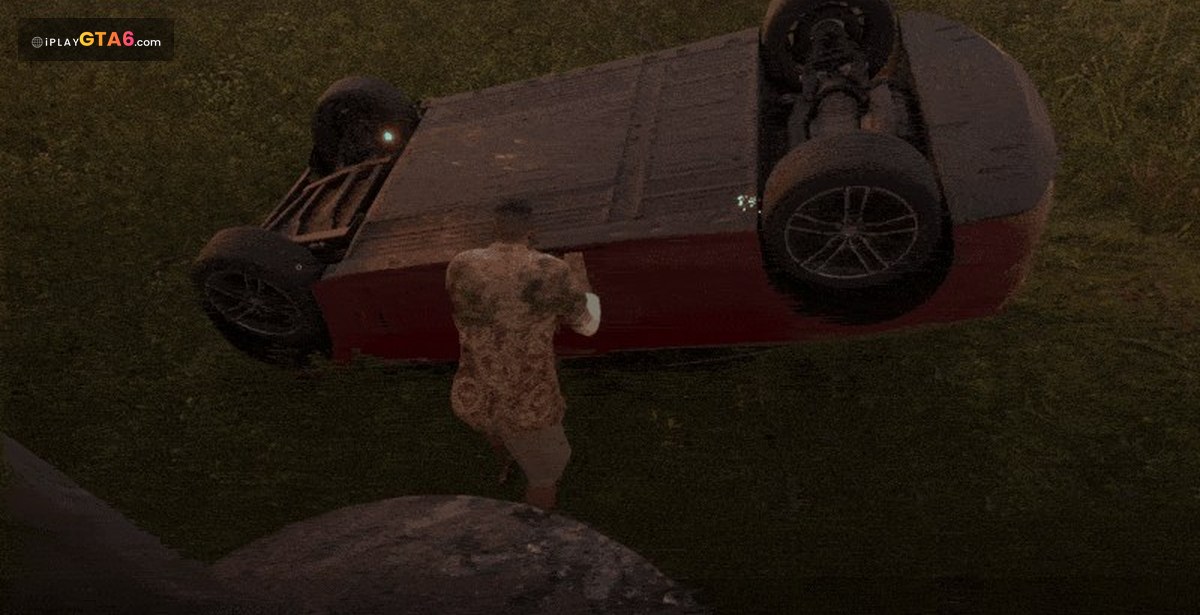
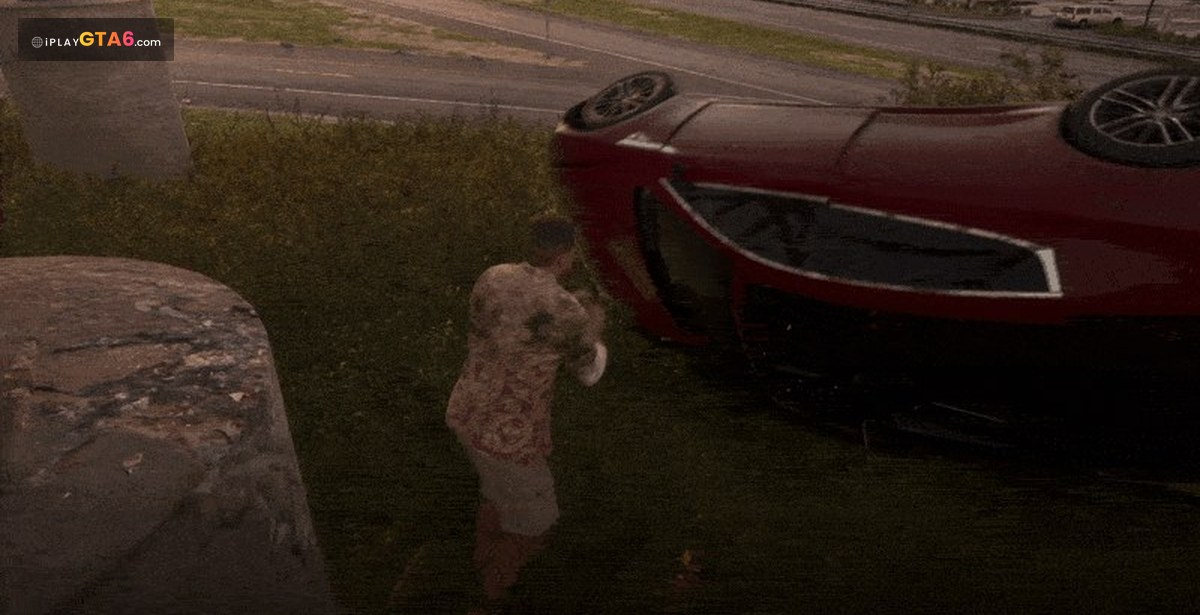
The other hidden feature from the same discovery is flipping cars, and it is far more useful than prone would have been. In past GTA games, a flipped car was a death sentence for the vehicle. In GTA 6, you can push it back onto its wheels.
Walk up against the side of the flipped vehicle as Jason or Lucia.
Click the left stick in. Your character will move their arms into position and start pushing on the car.
Hold Square on PS5 or X on Xbox to try to flip the car back onto its wheels.
The flip can fail. If the vehicle is too heavy, if you run out of stamina, or if you are on a steep incline, the car will not come over. The same push works for other jobs too: you can shove a car that has run out of gas down the road, or push a boat or a jet ski off the sand and into the water. The player who found it had played more than 140 hours before the prompt appeared, and the game had never mentioned the ability before that moment.
Quick Questions
Can you go prone in GTA 6?
No. Prone appeared in the 2022 leaked builds but was cut from the final release. There is no prone button, and crouching is the lowest stance you can choose.
What is the viral GTA 6 prone clip?
It shows the game playing a prone-style animation on its own in a tight spot, like a boat scraping under a low bridge. It is a contextual animation, not a move the player triggered.
How do you sit in GTA 6?
Hold Circle on PS5 or B on Xbox while on foot. On grass or sand you will sit down, in open ground you will lean on one foot, and near a wall you will rest against it.
How do you flip a car in GTA 6?
Walk up to the side of the flipped car, click the left stick in, then hold Square on PS5 or X on Xbox. It fails if the car is too heavy, you run out of stamina, or the ground is too steep.
What is the crouch button in GTA 6?
Circle on PS5 or B on Xbox by default, or L3 on the Classic control scheme.
Prone is the move GTA 6 cut, and no clip will bring it back. What the game kept is better in its own way: a crouch that works, a sit trick nobody was told about, and a car flip that can save a getaway.