Yellow or orange? That is the question players keep asking about the GTA 6 criminal profile icons, and it is a fair one. The GTA 6 criminal profile icons all share the same horned devil face, so colour and shape are the only clues. Professional is a pale yellow devil face. Hardened is an orange devil face. On a small screen, in the middle of a robbery, at a glance, they look alike, and players mix them up constantly. One player on r/GTA6 was sure the orange icon meant Professional. It does not.
This guide matches every badge to its rank, shows you where to read your profile, and explains what the pop-up icons mean when they flash during a job.

Match the GTA 6 Criminal Profile Icons to the Rank
Every criminal profile rank has its own horned devil face icon. The face gets darker and the horns get bigger as you slide toward the violent end. Here is the full set, in order from best to worst.
| Rank | Icon colour | What it means |
|---|---|---|
| Professional | Pale yellow | Clean crimes, no unnecessary casualties |
| Hardened | Orange | Forceful jobs, enemies killed, innocents spared |
| Violent | Purple | Regular lethal force against cops and civilians |
| Psycho | Light grey, greyish purple | Sustained excessive violence, defenceless victims |
| Irredeemable | Dark grey-blue, near black | Prolonged extreme violence, permanent |
The two that cause the trouble are the first two. Professional is yellow and Hardened is orange, and both are warm colours on the same small face. The confusion is real enough that guides spell it out in bold: yellow is Professional, orange is Hardened, and if you are guessing from colour alone, you are guessing wrong half the time. The two purple badges cause trouble too: Violent is a strong purple and Psycho is a lighter, greyish purple, and they look alike on a small screen. The Psycho icon also cracks at the breaking point, the moment before Irredeemable.
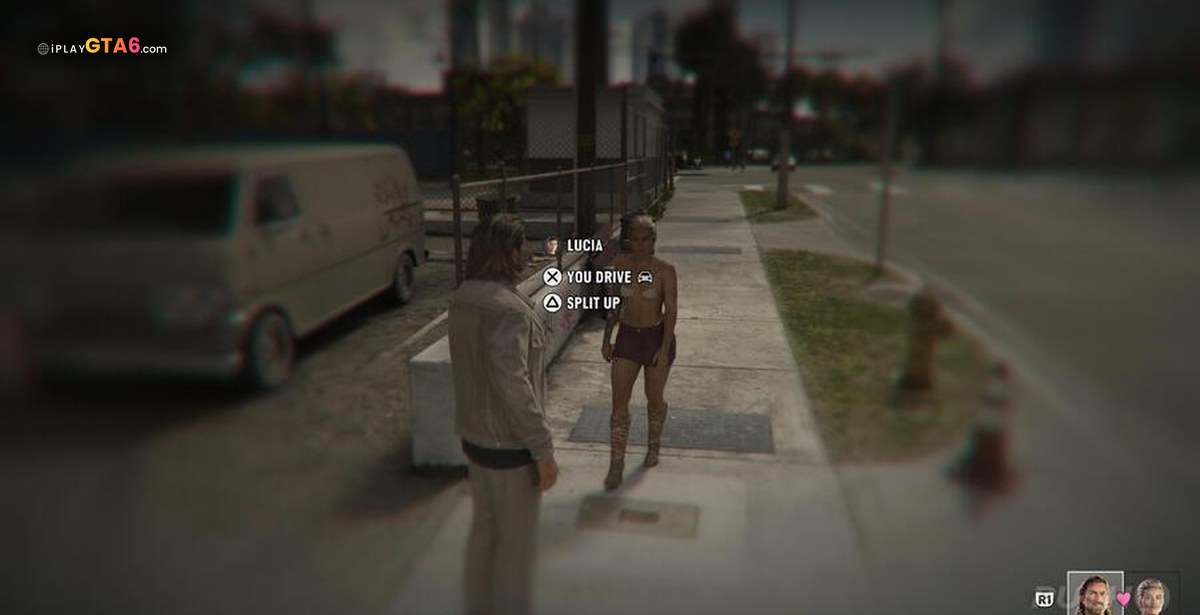
Each character has a separate rating, so two different faces on the character wheel can both be correct. Jason can be Professional while Lucia is Violent, or the other way around. Our GTA 6 criminal profile tiers guide explains all five ranks and what each one changes.
Professional vs Hardened: How to Tell Them Apart
Colour is the first clue, but it should not be the only one. The reliable way to tell them apart is to read the rank name next to the badge, not the colour. The pause menu shows the tier name beside the character's name, and that name is never ambiguous.
Behaviour is the second clue. Professional means controlled jobs, with threats fine and undetected work counting. Hardened means forceful jobs, with enemies killed and the crew spotted. If your last jobs ended with bodies and sirens, the orange badge is telling the truth.
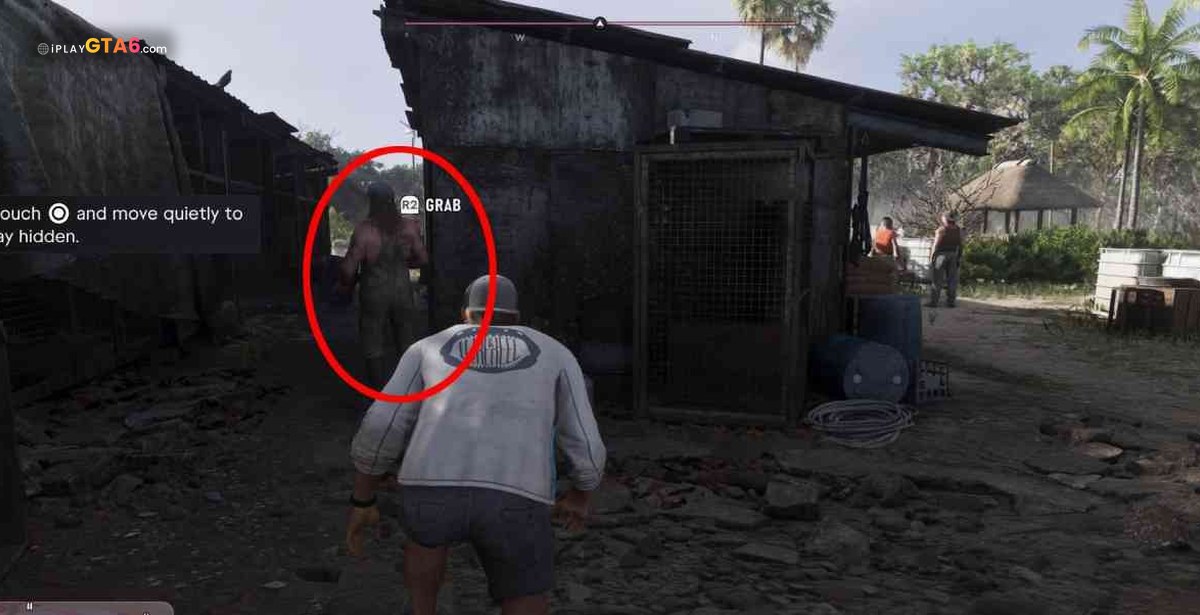
The boundary is disputed, which is part of why players get confused. Some guides describe Hardened as force that spares lives, like limb shots, while others describe it as killing enemies when needed but not innocents. Players report the same split in practice: leg shots sometimes read as Professional and sometimes as Hardened, and grabbing people from behind to knock them out can still show the orange Hardened icon. The game judges your overall behaviour over several encounters, not one move, so a single quiet takedown does not guarantee a yellow icon. Our GTA 6 criminal profile versus RDR2 Honor comparison shows how this scale differs from Rockstar's last reputation system.
Where to Check Your GTA 6 Criminal Profile Icons
There are two quick ways to see your icons, and one place to see all five faces together with the game's own explanation.
During play, hold Right on the D-pad to see Jason and Lucia's criminal profile badges beneath their portraits. This is the fastest check, and the one to use mid-job.
Pause the game and open the Jason and Lucia tab. The criminal profile is the first row on each character's page, and this screen shows the tier name, not just the icon.
Open Help, then Jason and Lucia, then Tracking Criminal Profiles. This page shows the game's explanation and all five faces together, so you can match any badge you have seen.
Use the pause menu when it matters. The D-pad view shows the badge, but only the character page gives you the rank name, and the rank name is what settles a yellow-versus-orange argument.
What the Pop-Up Icons Mean During a Job
A badge can flash after an action, and that flash is a judgment on the moment, not a rank change. When something counts, an icon pops up on the right of the screen showing which tier it pushes you toward. A yellow icon after good behaviour points toward Professional, and a purple devil icon after violence points toward Violent. A short label pops up with it: Restrained, with a yellow icon, is the clean one, and a Non-Lethal notice beside a yellow profile icon marks a quiet takedown.
Do not read too much into a single flash. One quiet takedown while sitting at Violent can still show an emblem pushing toward Hardened, and a flash of the GTA 6 criminal profile icons does not mean your overall tier actually moved. Open the character page to check whether the rank changed. A wanted star works the same way: it tracks the current police response and can disappear while the character keeps the same profile.

When the Icons Move, and When They Do Not
How you play over several encounters can move a character between the first four ranks. Avoiding violence and keeping destruction to a minimum climbs back toward Professional, while sustained killing slides down toward Psycho. The change is gradual: the profile works like a scale, so a single job will not flip your rank either way.
Irredeemable is the exception. It is permanent for that character on that save, so keep a separate manual save before experimenting. Our GTA 6 endings guide covers what is known about how the finale is decided.
Quick Questions
What colour is the Professional icon in GTA 6?
Pale yellow. It is a yellow horned devil face, the lightest of the five badges.
What colour is the Hardened icon?
Orange. Hardened is the orange devil face, one step darker than Professional's yellow, which is why the two get mixed up.
How do I check my criminal profile rank?
Hold Right on the D-pad to see the badges under the portraits, or pause and open the Jason and Lucia tab to see the rank name. Help, then Jason and Lucia, then Tracking Criminal Profiles shows all five faces.
Can I go back from Irredeemable?
No. Irredeemable is permanent on that save. The first four ranks can be reversed by playing cleanly.
Yellow is Professional, orange is Hardened, purple is Violent, light grey is Psycho, and dark grey is Irredeemable. That is the full set of GTA 6 criminal profile icons. When the colours blur together, read the name. The pause menu never lies about your rank, even when your eyes do.