GTA 6 Xbox Cloud Gaming is real, and it changes who can play. Microsoft's Xbox Wire guide, published November 23, 2026, confirms Grand Theft Auto VI streams through Xbox Cloud Gaming to Xbox One and Xbox Series X|S, and that GTA 6 Remote Play streams it from your own Series X|S to a phone, a PC or an ROG Ally.
For GTA 6 Xbox One players, the headline is simple: there is no native version, but the cloud version does the job. Select Game Pass plans include up to 15 play hours a month, extra hours are buyable, and the cloud version runs on Xbox Series S graphics settings. A copy bought from the Xbox Store is still required, and the store lists the game at $79.99.
GTA 6 Xbox Cloud Gaming in Short
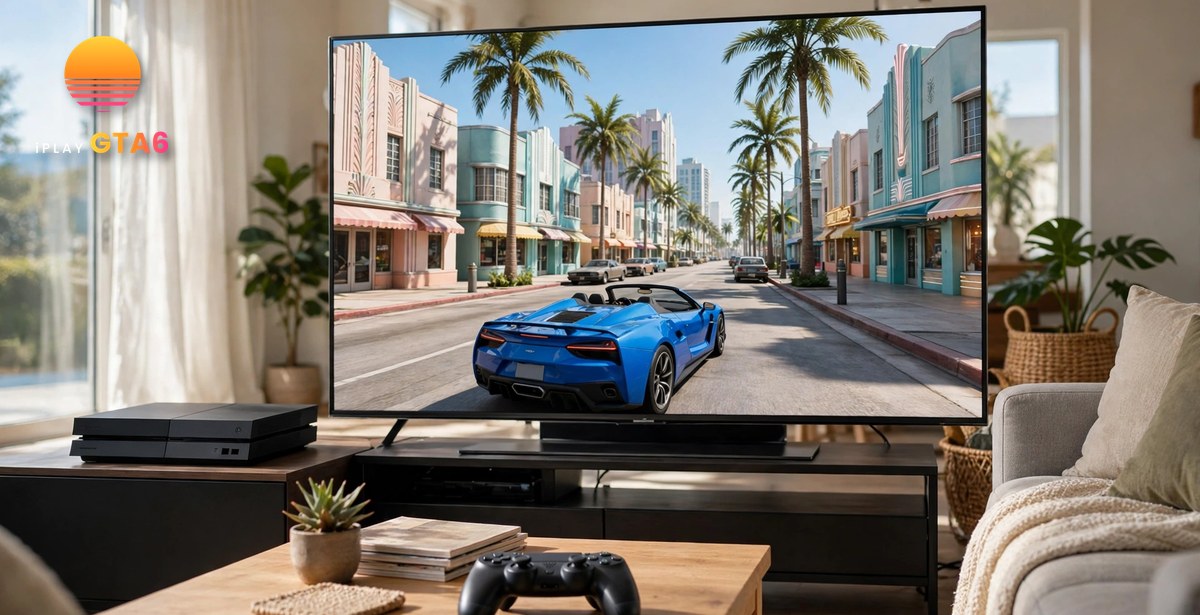
Cloud gaming runs the game on Microsoft's servers and sends the picture to your console, so your hardware never has to run it. That is the whole trick behind GTA 6 Xbox Cloud Gaming on Xbox One: the console only streams video and sends back your inputs. GTA 6 cloud gaming has been live since launch day, November 19, 2026, according to Gaming Route, and Xbox Wire's November 23 guide is the first official step-by-step for it.
Series X and Series S owners get a choice: streaming saves hard drive space, since the native install is a 212 GB download. Our download size guide breaks down the install and the pre-load. GTA 6 Xbox One owners get no choice, but they do get the game, which was far from certain before launch.
| Console | How you play GTA 6 |
|---|---|
| Xbox Series X | Native or cloud |
| Xbox Series S | Native or cloud |
| Xbox One | Cloud streaming only |
How to Start GTA 6 Xbox Cloud Gaming
Xbox Wire's steps need only the controller connected to your console.
On your Xbox Wireless Controller, press the Xbox button to open the guide, then search for Grand Theft Auto VI.
Select the Manage button, then See in Microsoft Store.
From the Store listing, select Play With Cloud. The game loads on Microsoft's servers, not on your console.
Xbox Wire's tip: when possible, connect a wired Ethernet cable, the best option for gaming quality. Even a high-bandwidth wireless network can occasionally dip in audio and video quality.
The 15 Hours, the Price and the Graphics
The monthly hours are the part most players will want to check first. Xbox Wire says select Game Pass plans include a monthly allotment of up to 15 play hours, and you can buy more cloud playtime if you need it. The guide names no select plans and gives no price for extra hours, so check your plan and the store before you pay for top-ups.
On graphics, Xbox Wire says the cloud version uses Xbox Series S graphics settings, and gives no resolution or frame-rate figures. Our performance guide tests PS5, PS5 Pro and Xbox side by side, and our Xbox Series S guide looks at whether the cheapest current-gen console is a good home for the game.
The 15 hours are play time, not a game license: a copy of Grand Theft Auto VI from the Xbox Store is required for GTA 6 Xbox Cloud Gaming, and the store page in Xbox Wire's guide shows $79.99.
How to Set Up GTA 6 Remote Play on Your Xbox
GTA 6 Remote Play works differently from the cloud: your own Xbox Series X|S runs the game and streams it to a device you own. That only works when you have a Series X|S at home, and the console has to be awake and reachable.
On your Xbox Series X|S, go to Settings, then Devices and connections, then Remote features, and check the box to Enable remote features.
Optional, but worth doing: select Test remote play from the same menu to check the quality your connection gives you.
Insider Gaming adds one tip Xbox Wire skips: set the console's power mode to Sleep, not full shutdown, so it can wake up remotely.
How to Play GTA 6 with Remote Play on Phone, PC and ROG Ally
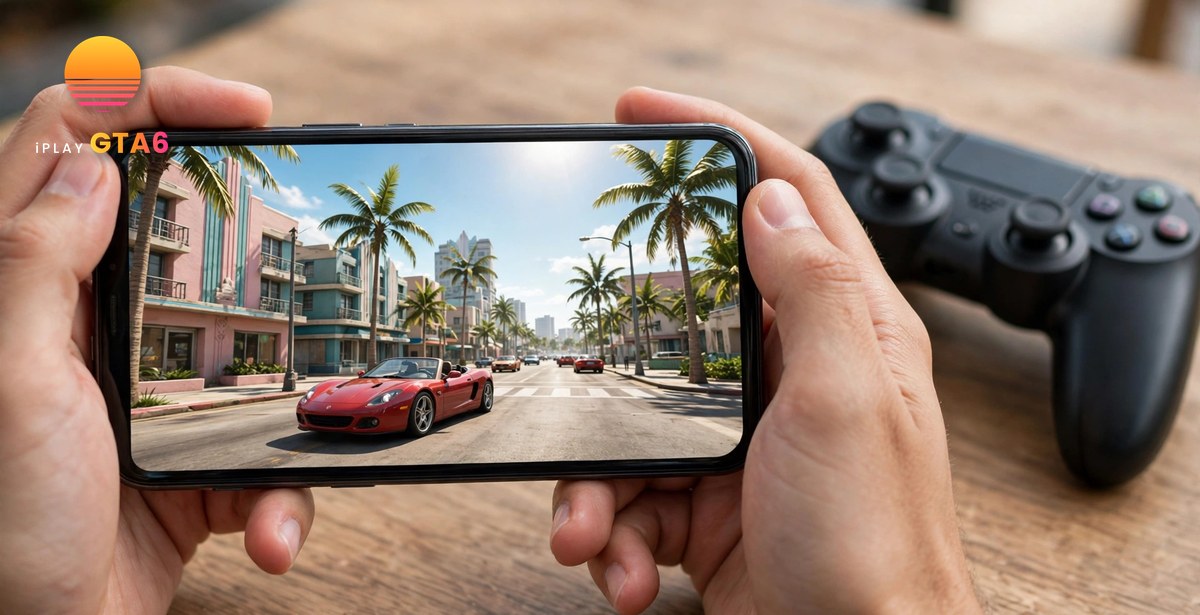
In your phone's browser, go to play.xbox.com/remoteplay, select the console you want to connect to, then select Remote Play on This Device.
Open the Xbox app on PC, click your profile icon in the top right, go to Accessories and remote play, and select Remote play from the console you want to play from.
Remote Play is the closest thing to a PC version that exists: the game still runs on your console, and your PC or phone is only a screen with a controller attached. Insider Gaming put it the same way in its November 10 report: technically playable on PC, far from a native version. Our controls guide covers every button change once you are in the game, whatever screen you play on.
What Xbox Has Not Said Yet
Xbox Wire does not name the select Game Pass plans, price extra cloud hours, give a resolution or frame rate, or set a minimum internet speed. Until it does, the store page and the in-console prompts are the places to check.
Two limits matter. First, the Xbox guide covers Xbox only: it says nothing about PlayStation 5 remote play, and PlayersForLife notes the same gap. Insider Gaming's November 10 report mentioned Remote Play on PlayStation too, but that is not in Microsoft's official guide. Second, Rockstar has still not announced a native PC version of GTA 6. Remote Play on a PC is streaming, not a port.
GTA 6 Xbox Cloud Gaming means Xbox One owners are no longer locked out, Series X|S owners can skip a 212 GB install, and anyone with a Series X|S can carry the game to a phone, a laptop or a handheld. Check your plan, buy the game first, and plug in the Ethernet cable.
Quick Questions
Can I play GTA 6 on Xbox One?
Yes, GTA 6 Xbox One play works through Xbox Cloud Gaming, using Xbox Series S graphics settings. There is no native Xbox One version.
How many hours of GTA 6 cloud gaming do I get?
Select Game Pass plans include up to 15 play hours a month, and Xbox says you can buy more. Xbox Wire does not name the select plans or price the extra hours.
Do I need to buy GTA 6 to stream it?
Yes. Xbox Wire says a copy from the Xbox Store is required for both cloud streaming and Remote Play. The store page shows $79.99.
Can I play GTA 6 on my phone or PC?
Yes, with Remote Play from your own Xbox Series X|S: on a phone, use play.xbox.com/remoteplay in the browser; on a PC or ROG Ally, use the Xbox app and pick Remote play. The game still runs on your console.
Is there a native PC version of GTA 6?
No. Rockstar has not announced one: Remote Play on a PC is streaming from your Xbox, not a port, and Xbox's guide says nothing about PlayStation 5 remote play.