GTA 6 pushes the PS5 harder than almost any game on the platform. It drives the CPU, GPU and SSD at full load for hours, and launch-week players have reported two problems: the game freezing or closing to the home screen, and the whole console powering off seconds after launch.
The order matters. Cheap fixes solve more shutdowns than you would expect, and the drastic ones cost hours. Start with updates, then airflow, then the Safe Mode rebuild, and only then think about reinstalls and repairs. Our report on the overheating claims covers what players reported at launch.
First, Work Out Which Problem You Have
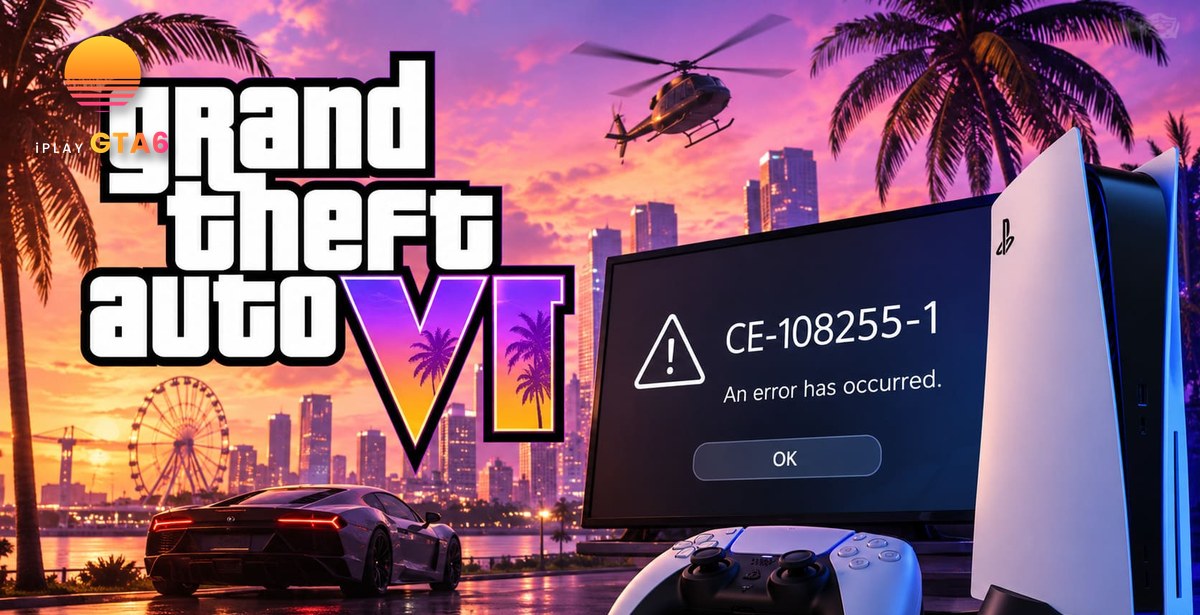
A crash and a shutdown are not the same fault. A crash drops you to the PS5 home screen, often with the CE-108255-1 error, while the console stays on. A shutdown kills the power completely, with no message, and sometimes the console will not turn back on until you unplug it.
Ask one question first: does it happen in other games too? If only GTA 6 crashes, work the software fixes below. If the console dies in every demanding game, skip to the hardware section at the end.
Fix 1: Update GTA 6 and Your PS5
Rockstar released update 01.002.002 on November 23, 2026, and its notes say it fixed several issues that caused the game to crash. It is about 604 MB on PS5, and it is the first thing to check. The patch does not name CE-108255-1, and players still reported it after installing it.
Highlight GTA 6 on the home screen, press Options, and choose Check for Update.
Go to Settings, then System, then System Software, then System Software Update and Settings, and install any update.
Confirm the game fully installed: highlight GTA 6, press Options, then Information, then Download Status.
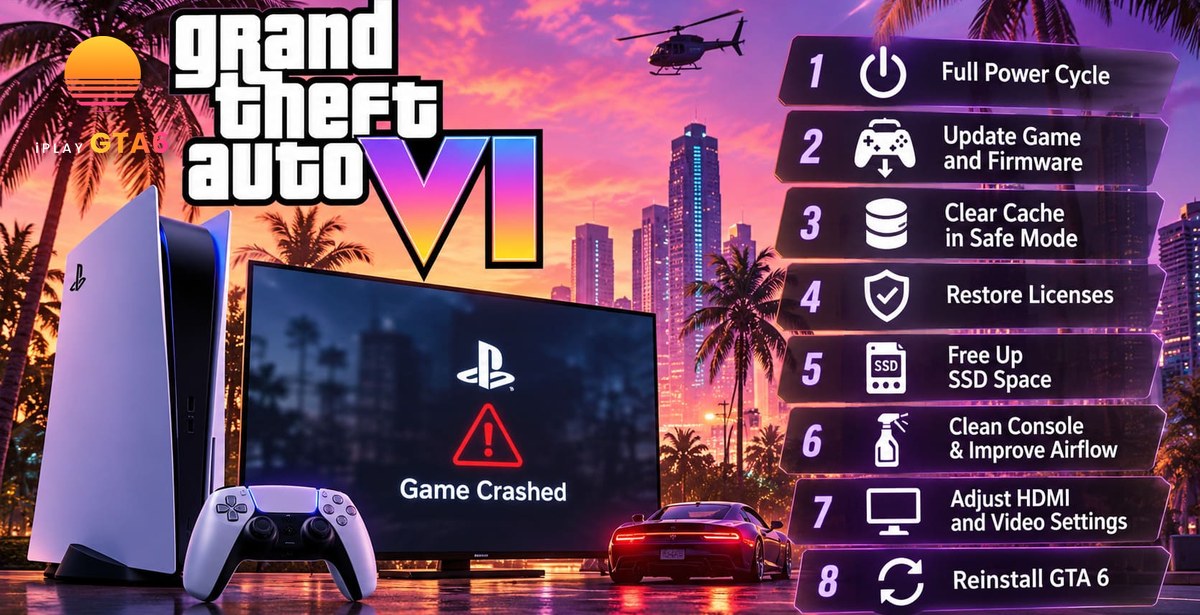
Do a real power cycle while you are at it. Turn the console fully off, unplug the power cord for 60 seconds, plug it back in, and boot up. It is free, and it clears a surprising number of random crashes.
Fix 2: Give the Console Room to Breathe
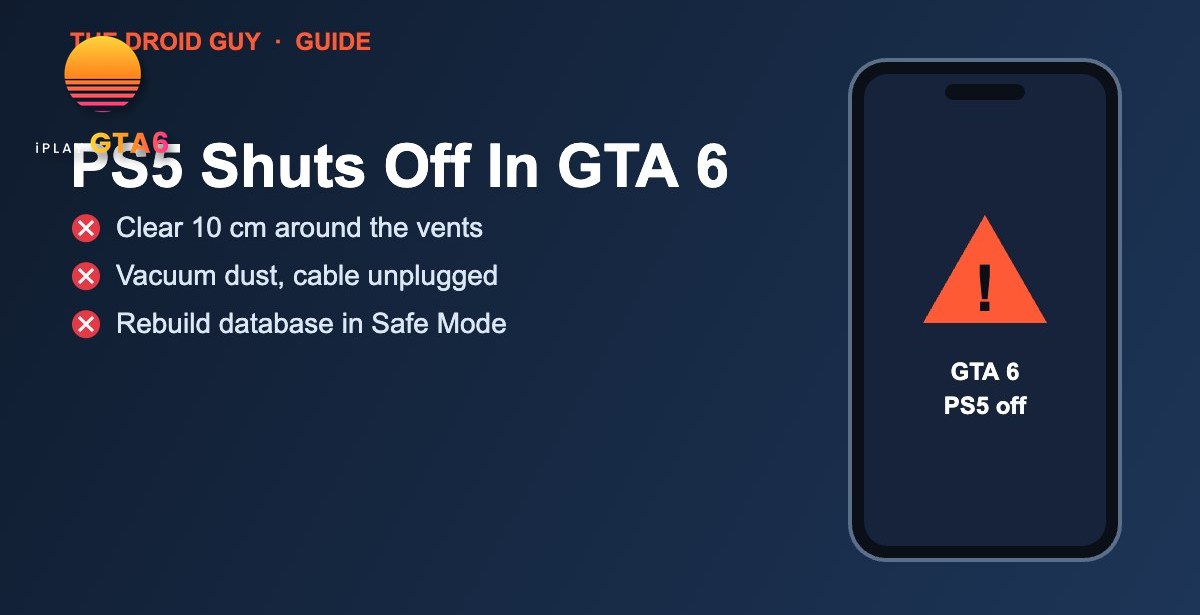
If the console powers off instead of just closing the game, heat is the first suspect. GTA 6 keeps both the CPU and GPU under heavy load for long stretches, and a dusty console will struggle. Sony's guidance is to turn the console off, let it cool, and make sure the vents are not blocked. Leave at least 10 cm of open space on each side, and never play with the console inside a closed cabinet.
Stand the console on a hard, flat surface, not carpet or bedding, and clear dust from the vents with a soft brush or low-pressure air. Power the console off and unplug it first. On older 2020 to 2022 models, dust also piles up in the honeycomb vents near the bottom, so shine a flashlight through and look.
Fix 3: Clear the Cache and Rebuild the Database
If updates and airflow did not fix it, the Safe Mode rebuild is the best deep fix. GTA 6 streams huge amounts of texture and world data from the SSD, so a messy database can make the engine choke. Sony's GTA 6 troubleshooting page recommends this step. It keeps your games and saves, and takes about 5 to 15 minutes.
Turn the PS5 completely off, then press and hold the power button and release it after the second beep, about seven seconds in.
Connect your controller with a USB cable and press the PS button to enter Safe Mode.
Choose Clear Cache and Rebuild Database, run Clear System Software Cache first, then go back and run Rebuild Database.
Fix 4: The CE-108255-1 Error and the Rest of the List
CE-108255-1 is the error most players see when GTA 6 crashes mid-game. The patch notes do not name it, and players still reported it after update 01.002.002, often in the prologue or in heavy city scenes. If it keeps appearing after the update and the rebuild, restore your licenses under Settings, then Users and Accounts, then Other, then Restore Licenses. Keep at least 30 to 50 GB free, since drives slow down once they pass about 85% full.
If you installed the game on an M.2 expansion drive, move it to internal storage as a test. Third-party drives can run hot or have quirks. Then check the HDMI side: set 4K Video Transfer Rate to minus 1 or minus 2, and try switching HDR and 120 Hz output off. Use the original Ultra High Speed HDMI cable plugged straight into your TV, not through an old receiver or splitter.
The last software step is a clean reinstall. Only do it if GTA 6 is the only game crashing and nothing above helped. Your save data lives separately in console storage and PS Plus cloud storage, so deleting the game will not erase your progress. Delete it, restart the console, and re-download from Game Library over a wired connection if you can.
When It Is a Hardware Fault
Stop troubleshooting and suspect hardware when every demanding game crashes with the same error, or when the console shuts down even after cooling, cleaning and a rebuild. On early PS5 consoles, repair shops point to the liquid-metal thermal interface drying out or developing a dry spot, which leaves the processor unable to shed heat under a heavy game like GTA 6. That is a repair-shop diagnosis, not something Sony has confirmed, so do not open the console yourself.
Run Sony's Repairs diagnostic tool at playstation.com/repairs instead. It walks through the power-issue checks and tells you whether your console qualifies for an in-warranty repair. If crashes only happen during certain missions after a patch, that is more likely a game bug, so report it to Rockstar Support with the error code. Our performance guide explains what the PS5 and PS5 Pro deliver, and our best settings guide covers the display options that ease the load.
Quick Questions
Why does GTA 6 keep crashing on PS5?
A missing game or system update, an incomplete install, a corrupt save or a messy database. Update both, check the download status, then rebuild the database in Safe Mode.
Why does my PS5 turn off when I play GTA 6?
Heat is the most common cause. Give the console space, clean the vents and let it cool. If it happens in other games too, suspect hardware and use PlayStation Repairs.
Does rebuilding the PS5 database delete GTA 6?
No. Rebuild Database reorganises your storage and keeps games and saves. Only Reset PS5 erases data, so never pick that option by mistake.
Is a loud fan during GTA 6 normal?
Yes. Sony says louder fan noise in some games is normal. A loud fan followed by a shutdown points at airflow problems instead.
What is error CE-108255-1 in GTA 6?
It is the PS5 application error players see when GTA 6 crashes mid-game. Update the game, rebuild the database, and report it to Rockstar Support if it continues.
Most PS5 shutdowns in GTA 6 come down to a stale patch, a dusty console or a messy database, and all three are fixable at home.