On launch day, plenty of GTA 5 veterans reached for the button that used to flip the camera into first person, and nothing happened. No menu option, no toggle, no view change.
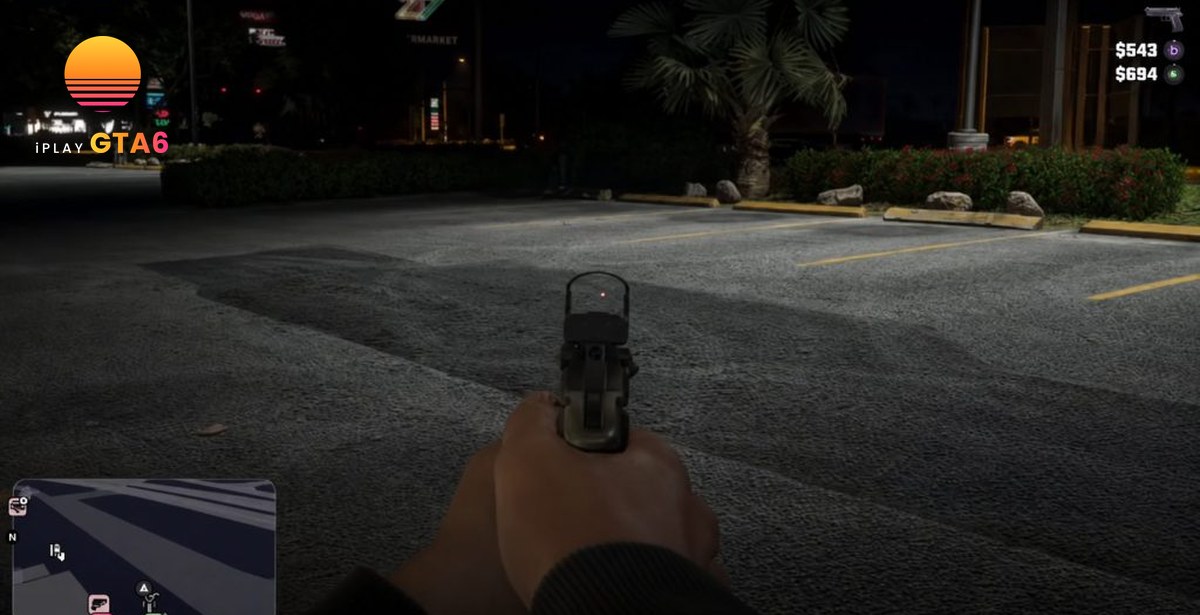
That is not a bug, and it is not a setting you missed. GTA 6 launched on November 19, 2026 without a full first-person mode. VGC, GameSpot and Dot Esports all reach the same answer: you cannot walk, run or play a mission through Jason or Lucia's eyes. But three hidden first-person views still work, and this guide covers each one.
The Short Answer: No Full First-Person Mode
GTA 5 added a full first-person mode with its 2014 PlayStation 4 and Xbox One release, letting players run the whole story from the protagonist's eyes. GTA 6 does not carry that over. KeenGamer's launch guide puts it plainly: no full first-person mode, and no menu option switches the whole game to first person.
The reason is a design choice. Rockstar North built the game around its third-person camera and put its animation work into that perspective, KeenGamer reports. A full first-person mode would need a second set of animations for everything, and Rockstar did not ship one. Rockstar has not announced one for a future update either, and none of the 61 cheats in the game unlocks a first-person camera.
Look Around in First Person While Standing Still
The simplest first-person view needs no weapon, no purchase and no mission progress. Stand still anywhere in Leonida, hold L2 on PlayStation 5 or LT on Xbox, then press R3, a click of the right stick. The camera drops into your character's eyes, and the right stick looks around freely. Hold R2 or RT to zoom in further, Dot Esports notes, which helps for reading distant signs.
Two rules come with it. First, you are rooted in place: move the left stick and the view ends at once. Second, hold L2 first. VGC and Dot Esports both warn that clicking L3 and R3 together without holding L2 turns on Focus Mode instead, which drains your focus meter. If R3 alone does nothing, KeenGamer says to keep holding L2 and click L3 and R3 together. The button layout matches our controls guide for every button change, and the focus meter is covered in our daily routine guide.
Aim in First Person With a Scoped Weapon
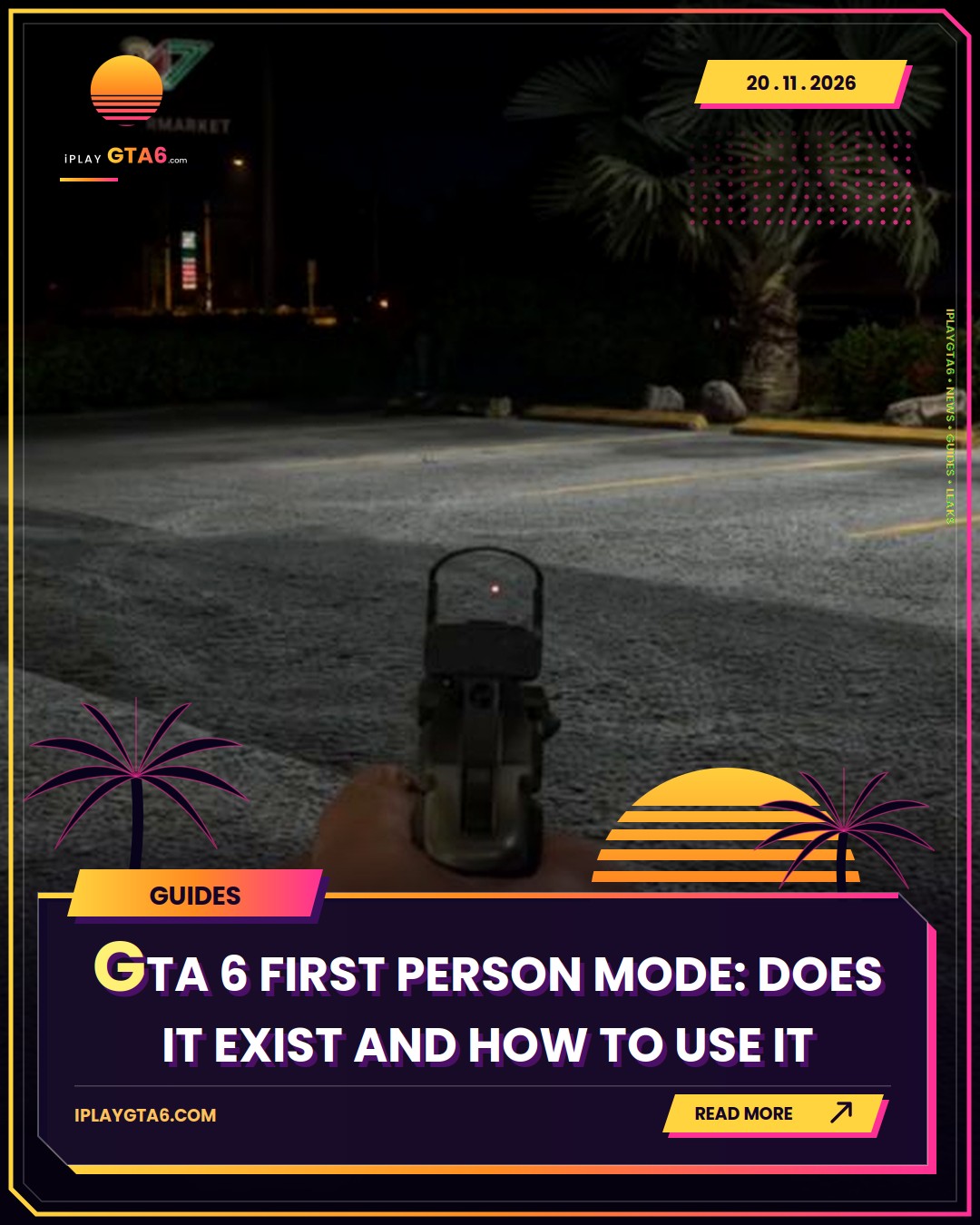
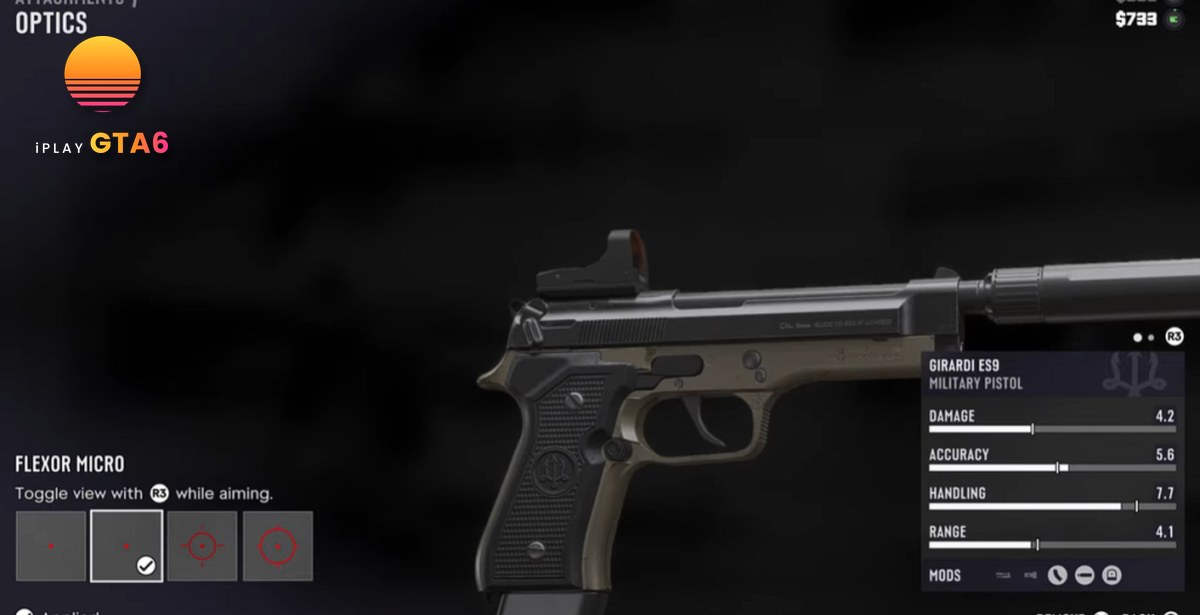
Combat is where first person is most useful, and it is locked behind one purchase: an optic. After the opening mission, visit any Ammu-Nation and buy an optics attachment for your gun. Optics are cheap and sold for every weapon category. Our best early weapons guide ranks the guns worth buying first.
Once the optic is fitted, the steps are short:
- Equip the gun with the optic from the weapon wheel.
- Hold L2 or LT to aim.
- Press R3 or click the right stick to drop into the first-person sight view.
Iron sights alone do not support it: without the optic, the R3 press does nothing. The trade is clear. The first-person sight gives you a steady, precise view of exactly what is in front of you, and Dot Esports found it also cuts recoil a fair bit, which helps for long shots. The cost is awareness, since third person shows more of the street around you. That switch is one of the habits our combat guide teaches for winning fights. Your character also cannot walk while the sight is up, KeenGamer notes, so pick a stable spot first. Stop aiming and the camera snaps back to third person.
Drive in First Person With Your Phone Out
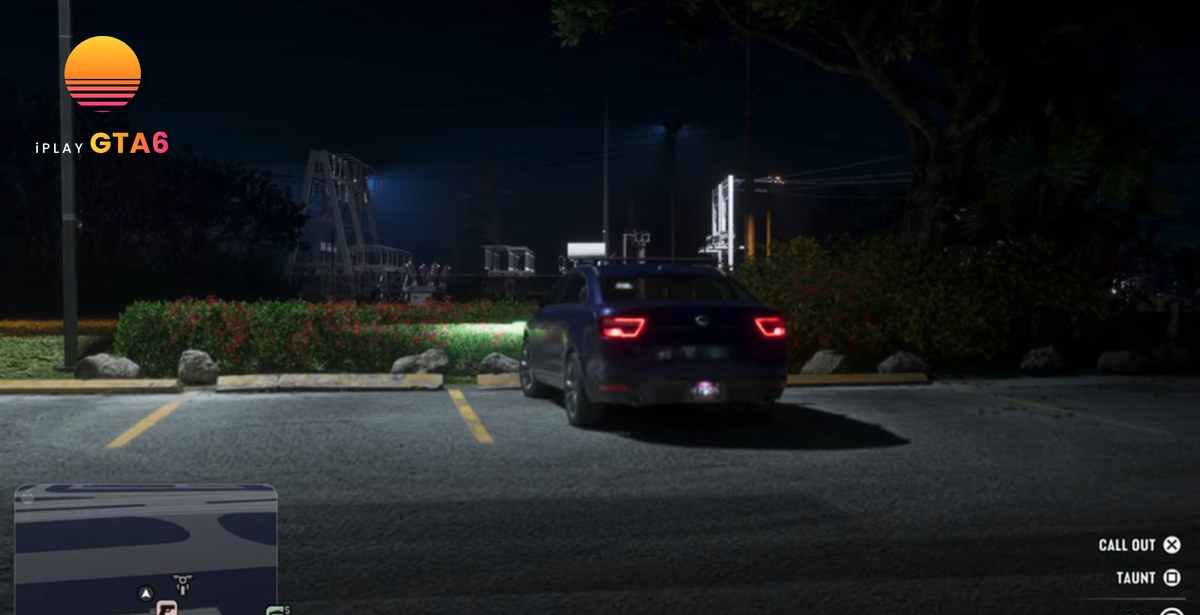
The third first-person view is also the strangest. Get behind the wheel, then press Up on the D-pad to pull out your phone. The camera moves to a first-person view from the driver's seat and stays there until you put the phone away. Dot Esports and KeenGamer agree on the input, and both note the catch: the phone covers part of the windshield, so save it for slow cruising, not chases or races. Our phone guide covers every app on that screen.
Photo Mode and Cinematic Mode
For screenshots rather than gameplay, Photo Mode is the better tool. GTA 6 has no field of view slider for regular gameplay, KeenGamer reports, so every first-person view uses the game's fixed camera width. The FOV slider in Photo Mode only affects screenshots, and it tops out at 48.5 degrees. Our photo studio guide shows how to use Photo Mode and Snapmatic. Dot Esports notes some Cinematic mode angles are first-person too, so a replayed drive can cut to a driver's-eye shot.
Settings That Make First-Person Views Usable
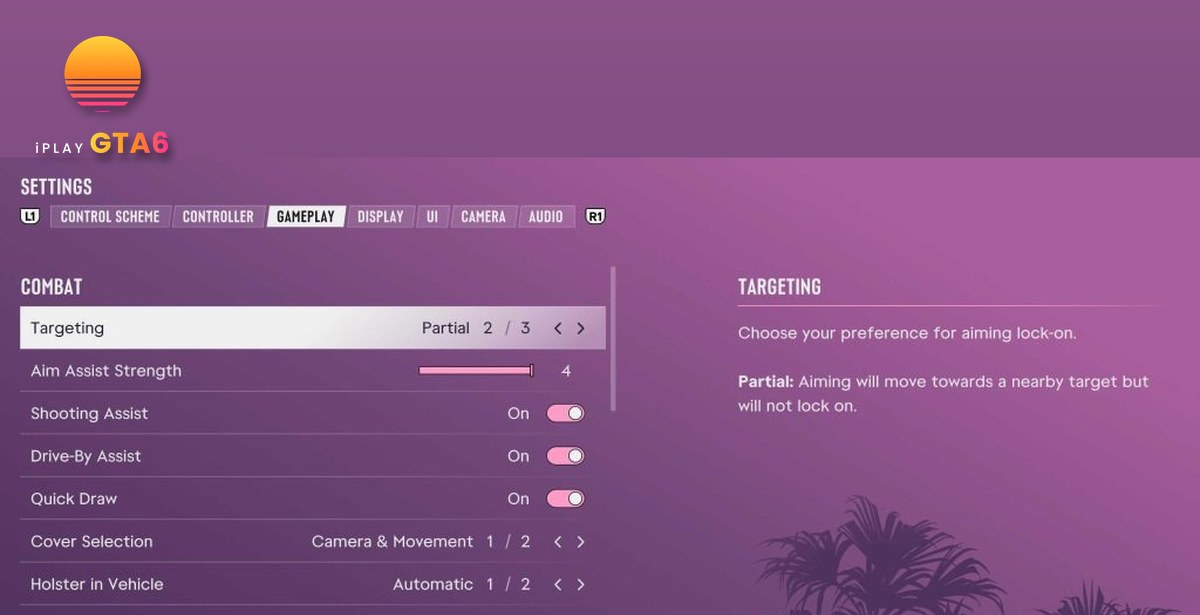
The views work out of the box, but four settings make them far less frustrating, per KeenGamer:
- Motion Blur Strength: set it to 0 under Display, Visual Effects, so fast right-stick turns stay sharp instead of smearing.
- Camera Shake: turn it Off in the Camera tab to remove the extra movement during gunfire and crashes.
- Targeting: switch to Free Aim for scoped shots. Lock-On snaps the reticle on, Free Aim leaves every adjustment to you.
- Aim Assist Strength: lower the 0 to 5 slider, or set it to 0 with Free Aim, for full manual control through the scope.
Our best settings guide covers the full Display and Camera tabs.
What First Person Cannot Do Yet
It is worth being blunt about the limits. You cannot play a mission in first person, you cannot walk the streets in first person, and you cannot drive in first person without the phone out. There is no FOV slider for gameplay and no announced date for a full mode. GTA 5 only got its mode with the 2014 PlayStation 4 and Xbox One release, so a future update is possible, but Rockstar has confirmed no plan.
Players found an unofficial workaround within hours of launch that forces the camera into first person, but it is a glitch, not a feature. We cover it separately.
What to Try First
Start with the standing view: it costs nothing and shows how much detail Leonida carries at eye level. Then fit a cheap optic to your most-used gun and practice the aim-then-R3 rhythm somewhere quiet.
Quick Questions
Does GTA 6 have a first-person mode?
No. GTA 6 launched on November 19, 2026 without a full first-person mode, and none has been announced.
How do I look around in first person in GTA 6?
Stand still, hold L2 on PS5 or LT on Xbox, then press R3. Moving ends the view.
Can I aim down sights in first person?
Yes, but only with an optic fitted to your gun. Buy one at any Ammu-Nation, aim with L2 or LT, then press R3. Iron sights alone do not work.
Can I drive in first person in GTA 6?
Only with your phone out. Press Up on the D-pad while driving and the camera moves to the driver's seat.
Will Rockstar add a full first-person mode later?
Nothing has been announced. GTA 5 only got its mode with the 2014 PlayStation 4 and Xbox One release, so a later update is possible, but Rockstar has confirmed no plan.