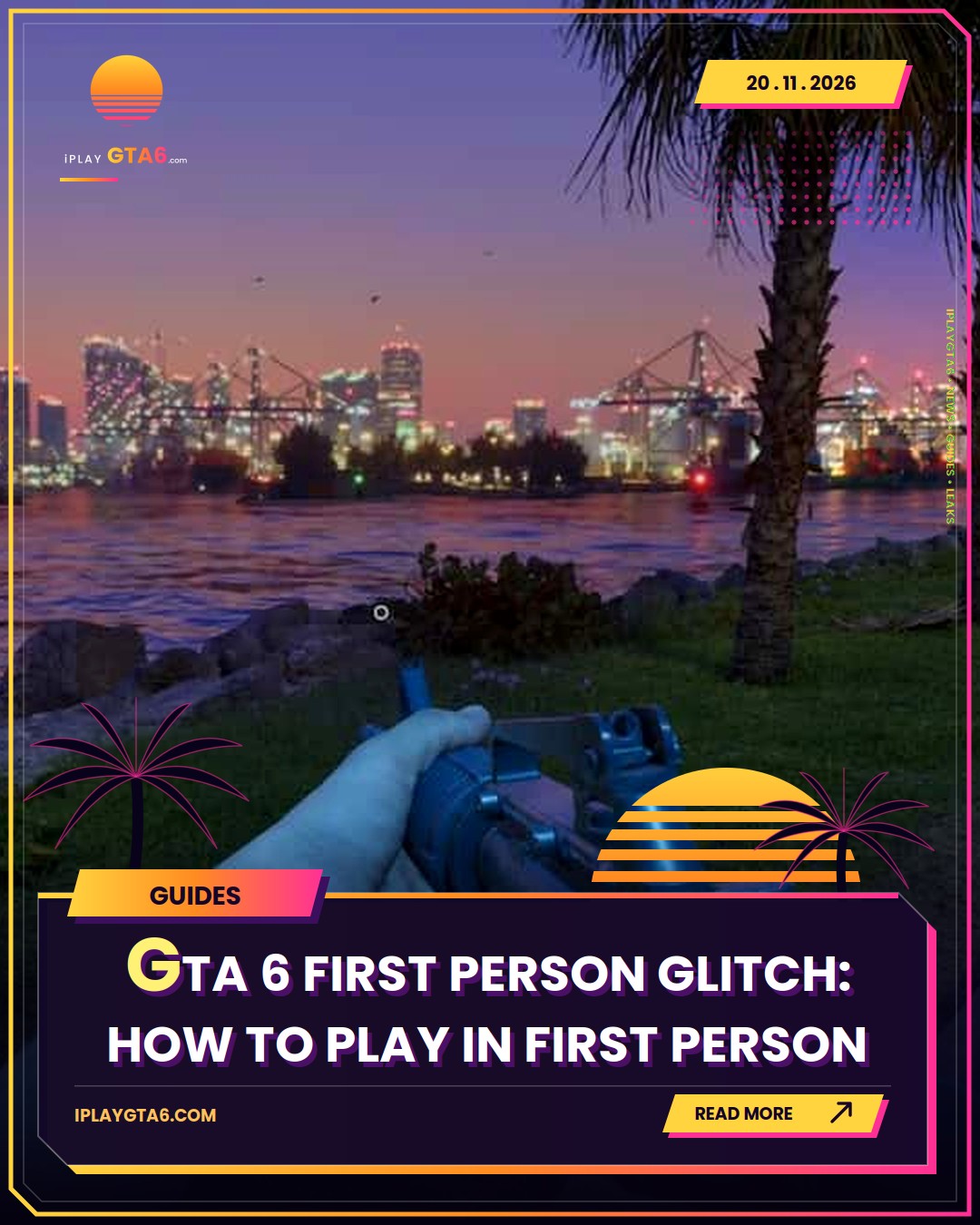
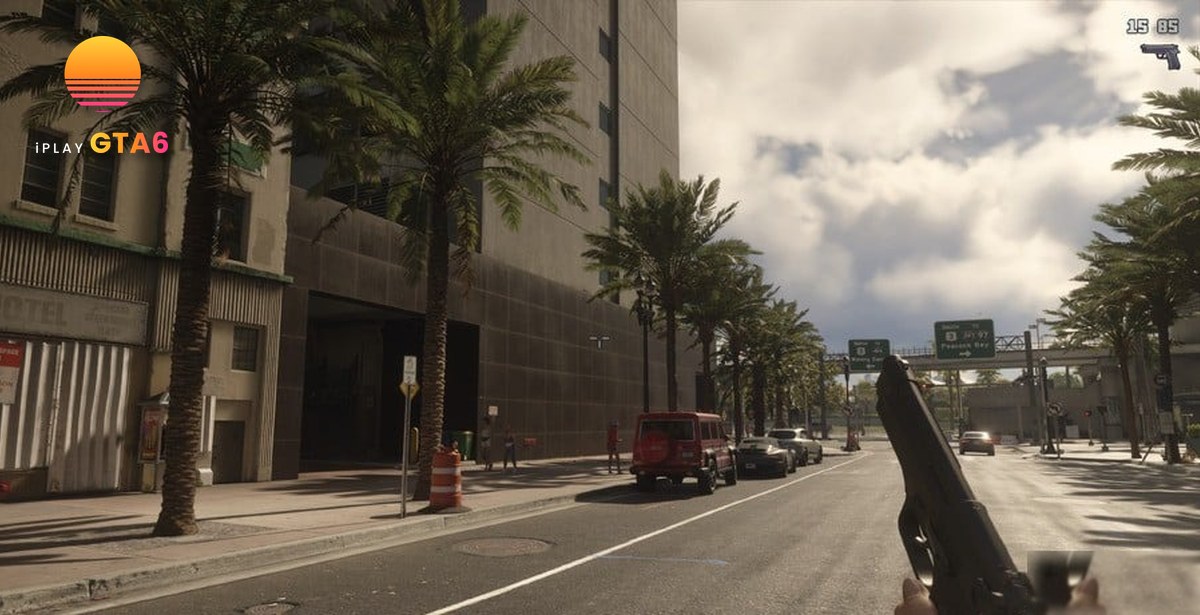
GTA 6 launched without a full first-person mode, and within a day players found a way in anyway. A camera glitch found on November 20, 2026 locks the game into first person on PS5 and Xbox, and both Pure Xbox and PC Gamer have tested it.
This is a glitch, not a feature. Rockstar has said nothing about it, a future update could remove it, and there is no clean exit: once the camera locks, no button brings third person back. Save your game first.
What the Glitch Actually Does
GTA 6 shipped with its camera fixed in third person. Rockstar built the game's animation work around that perspective, and the launch version has no menu option for a full first-person mode. Our first-person mode guide covers the three limited views that do work, and none of them lets you play the whole game that way.
The glitch changes that. A sequence with the in-game phone tricks the camera into staying behind Jason or Lucia's eyes, and once it locks you can run, drive and fight in first person. The discovery spread from a YouTube video by oneboyler, and Dexerto and Pure Xbox both confirmed the steps work. PC Gamer's test found the view "completely playable."
What makes the trick interesting is how finished it looks. Dexerto quotes the video's uploader saying the first-person weapon animations are already in the game. Many players read it as a sign of a proper first-person mode left unfinished in the game.
How to Trigger the First Person Glitch
Do this in a safe spot with a manual save already made. Step five needs tight timing, and it often takes a few tries.
- Change the View button. In Settings, go to Controller and set View Button from Map to Camera. On PS5 it is the Touch Pad Button, listed as Camera 2 / 2 by PC Gamer.
- Get in a vehicle. Sit in the driver's seat of any car. The trick starts inside a vehicle, so do not try it on foot.
- Open the phone. Press up on the D-pad to bring up the in-game phone.
- Close the phone. Press Circle on PS5 or B on Xbox to put the phone away.
- Spam the camera button at once. The moment the phone closes, rapidly press the View button (Xbox) or touchpad (PS5) until the camera snaps into first person.
- Step out. Once the view locks, leave the vehicle and walk around Vice City in first person.
Xbox players report the View button already works for this without changing the setting, so they can skip step one, according to HappyGamer. PS5 players cannot skip it: the touchpad opens the map by default. Our controls guide walks through every button change if you want to put things back later, and the best settings guide covers the rest of the Controller menu.
If It Does Not Work the First Time
Most players do not land it on the first attempt; Pure Xbox and HappyGamer both say it may take a few tries. Repeat steps three to five, and start spamming the camera button the instant the phone closes. Also check that the remap saved, that you are in the driver's seat, and that you are pressing the right button to close the phone.
What Works Once You Are In
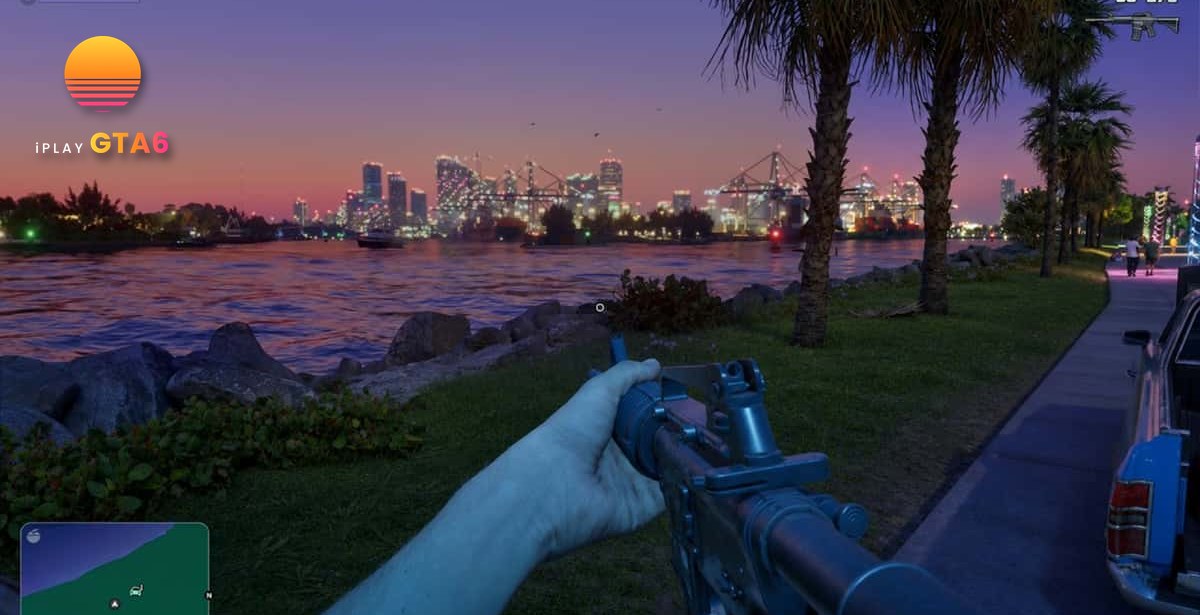
Once the view locks, it stays locked. You can run, drive and use weapons, all from first person. PC Gamer's footage shows the character sprinting, aiming a rifle and forcing a car door open without the camera leaving first person.
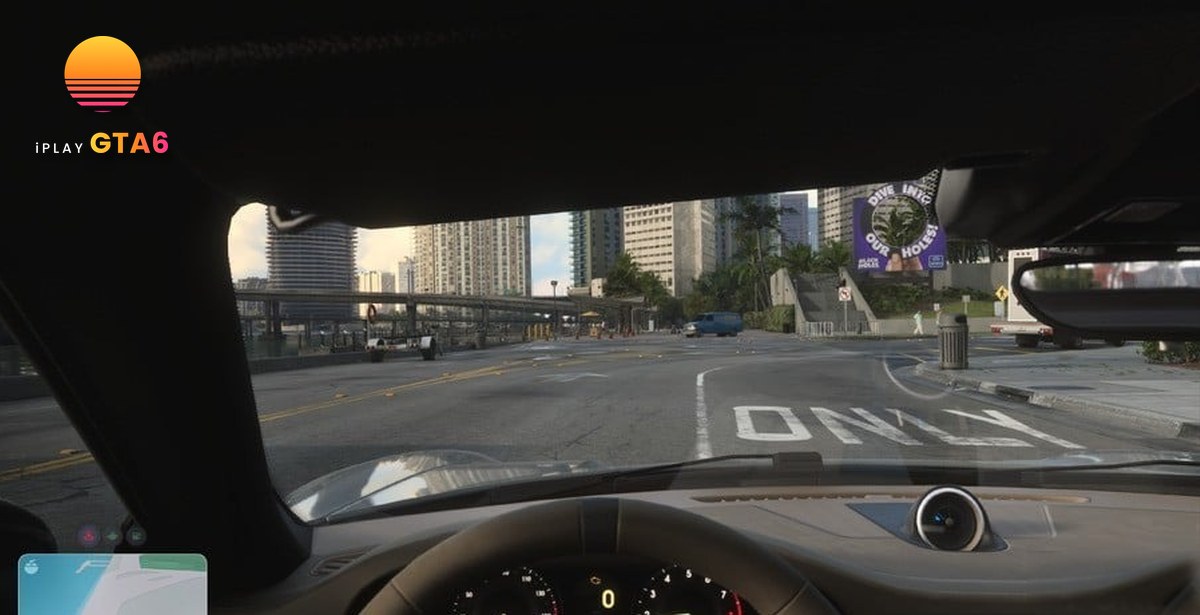
It is not polished. PC Gamer found that your shoulders clip through the camera when a long gun is raised, and breaking into a car in first person looks rough around the edges. An October 8, 2026 leaked video, described by RockstarINTEL, already showed Jason driving and walking in first person with no reflections in the wing mirrors. Some moments snap the camera back on their own, HappyGamer notes.
How to Get Back to Third Person
There is no button that switches you back. The camera controls do not work while the glitch is active, so plan your exit before you enter.
The reliable way out is to reload a save. Make a manual save before you trigger the glitch, then reload it when you are done. PC Gamer notes you can even save in first person and reload that save straight away. Our guide to saving in GTA 6 covers manual saves, slots and checkpoints.
Pure Xbox reports two other exits: getting arrested, and walking into a hair salon. Both work because the game takes camera control during those scenes. Neither is as clean as a reload, and getting arrested on purpose can cost you money and weapons.
How This Differs From the Built-In First Person Views
GTA 6 does have first-person views that work without any glitch, but they are fenced in. The game has a temporary view for a close look at the scenery, and you are locked in place while it is on, according to PC Gamer. Aiming some weapons and using binoculars also drop you into a first-person sight picture. Our first-person mode guide explains all three.
The glitch removes the fence. The temporary scenery view keeps you rooted to the spot, while the glitch lets you move, drive and fight with the camera behind your character's eyes, exactly what a real first-person mode would do. That is the whole appeal, and also the whole risk: nothing in the game supports that view officially.
What This Says About a Real First Person Mode
The glitch does not prove Rockstar will add an official mode, but it does prove the building blocks are already in the shipped game. Working weapon animations, a drivable view and a camera that holds through running, driving and fighting all point to a mode that was built and then switched off.
There is precedent. GTA 5 launched on PS3 and Xbox 360 in September 2013 with no first-person view, and Rockstar added one with the PS4 and Xbox One versions in November 2014, 427 days later, then on PC in 2015. Pure Xbox makes the same comparison, suggesting the GTA 6 glitch hints at a mode still in progress.
For now, Rockstar has said nothing about this view or its status. Dexerto notes it is unclear whether the studio plans a full first-person mode in a future update or will patch the glitch out, so record any clips now.
Quick Questions
Does GTA 6 have an official first-person mode?
No. GTA 6 launched on November 19, 2026 without a full first-person mode. The only official views are a scenery look, aiming and binoculars.
How do you trigger the first-person glitch?
Set the View button to Camera, sit in a driver seat, open the phone with D-pad up, close it with Circle or B, then spam the View button or touchpad until the camera locks.
Does the glitch work on PS5 and Xbox?
Yes, both. PS5 players must remap the touchpad from Map to Camera first; Xbox players report the View button may work without it.
How do you get back to third person?
Reload a save. No camera button switches you back. Getting arrested or entering a hair salon also forces it back, Pure Xbox reports.
Will Rockstar patch the glitch?
Unknown. Rockstar has said nothing about it. It is an unintended glitch, so a future update could remove it.