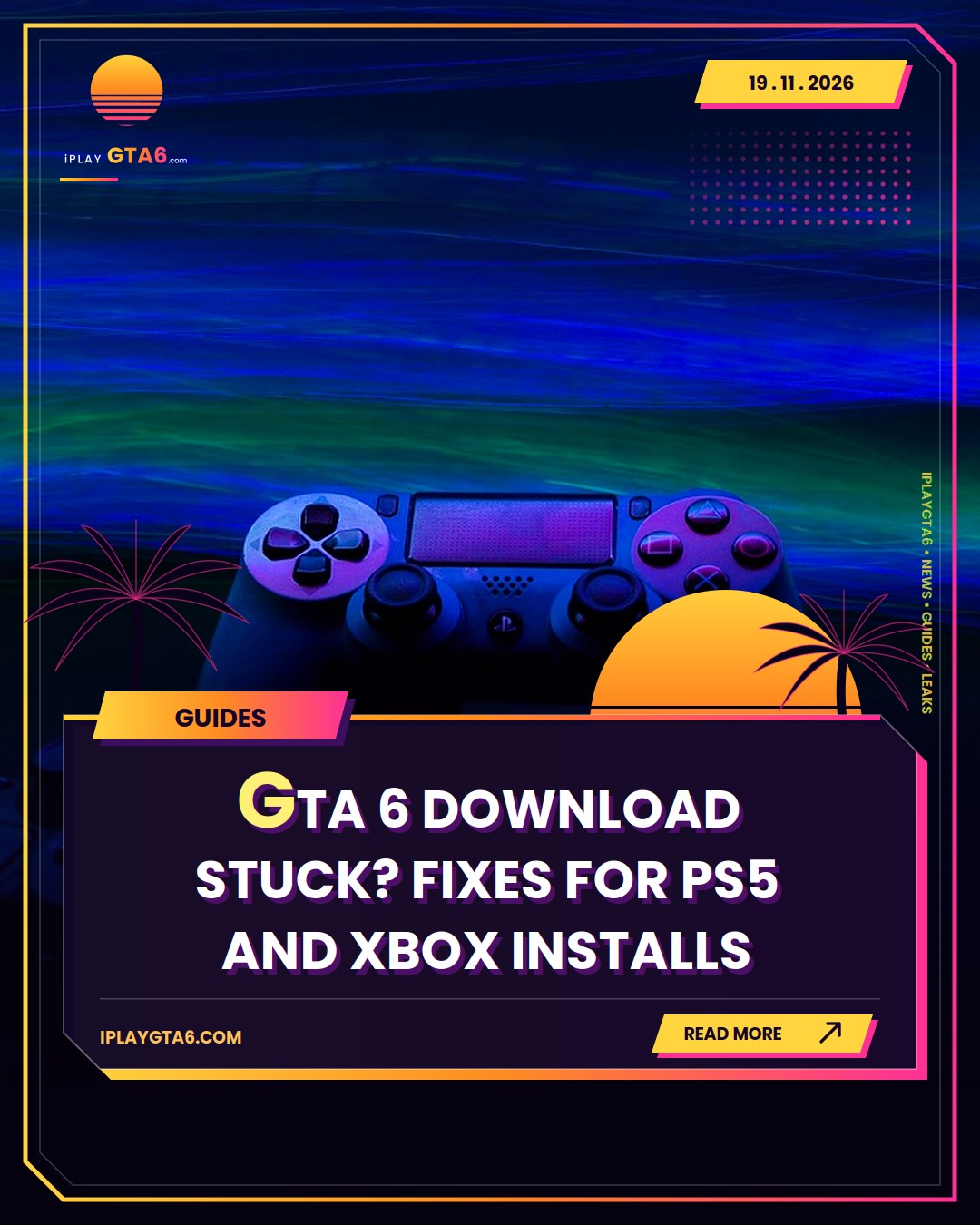
GTA 6 is 212 GB, and your download bar has not moved in twenty minutes. Before you cancel anything or delete games at random, stop. Most stuck downloads come from a short list of causes, and both companies publish the same fix order: check the service, check the queue, check the space, then check the console.
Every fix below comes from PlayStation's GTA 6 support page, PlayStation's download troubleshooting page, or Xbox Support's installation troubleshooting.
PS5: The Official Fix Order
PlayStation's GTA 6 support page gives this sequence for a download that will not start:
- Open Downloads/Uploads from the control centre, select the GTA 6 download, choose Pause, then choose Resume.
- If it still does not start, select the download, choose Cancel and Delete, go back to Game Library, and start the download again from there.
- Check the four basics: the right account, an internet connection, enough storage, and up-to-date system software.
- Check the PlayStation status page. If an alert is showing for downloads or the PlayStation Store, wait for the service to recover.
- Test the connection at Settings, then Network, then Connection Status, then Test Internet Connection.
A download that will not start is not the same fault as one that stops halfway. If the game shows a padlock icon, confirm you are signed in to the account that bought the game and restore licences for your account. If someone else on the console owns the game, they need Console Sharing and Offline Play enabled on that PS5. Keep your system software current too, with automatic update downloads turned on.
The 212 GB Problem: Freeing Enough Space
GTA 6 needs 212 GB, and that number catches people out twice. First, the console has to have that space free before the download will finish. Second, PlayStation notes an install can need roughly twice the required free space while it runs, because the console copies and unpacks files before it clears the old ones. A console showing 220 GB free can still refuse the install.
Check the real numbers before you delete anything. On PS5, go to Settings, then Storage, to see what is actually free. To see the space GTA 6 needs, use View Product from the game's more menu in Game Library. PlayStation's advice is simple: delete existing data or move data to a different storage device. Start with games you have finished and can re-download later. Do not delete your save data to make room. Saves are tiny next to a 212 GB game. On Xbox, open Settings, then System, then Storage devices, and uninstall games you are not playing until the free space is comfortably above 212 GB.
Xbox: The Official Fix Order
Xbox Support's order starts the same way: check the Xbox status page, confirm you are signed in with the right profile, check free space, and install any available system update. If the status page shows a problem, wait for Microsoft to mark it resolved, then resume from the queue.
Next, open the queue at My games and apps, then Manage, then Queue. Pause other downloads and updates, and close or suspend any running game. Then test the connection at Profile and system, then Settings, then General, then Network settings. A wired connection is worth trying if you normally play on Wi-Fi.
If the install still will not finish, do a full power cycle: hold the front power button for about 10 seconds until the console shuts down completely, unplug the power cable, wait at least 10 seconds, plug it back in, and turn the console on. For the "Installation stopped" message, Xbox Support points at the disc cache: go to Settings, then Devices and connections, then Blu-ray, then Persistent storage, and select Clear persistent storage. That does not delete your games or saves. Microsoft also suggests clearing local saved games from Settings, then System, then Storage devices. Saves sync back from the cloud.
If the queue shows an error code, use it. Code 0x87e00017 means the download failed or paused because of networking trouble or an Xbox service alert, so check status first and then the network. Code 0x80070017 points at a drive problem instead.
When the Bar Freezes at the End
The most stressful stall is the one at the end: the download counter says 100 percent and the install bar sits still. On Xbox this often shows as "Finishing things up" in the queue. Do not cancel it straight away. A finished download is not a finished install. The console is still copying and unpacking files, and that work does not move the percentage the way a download does. Give it 15 to 20 minutes with no game running. If the status has moved at all, it is working. Cancelling a healthy install near the end starts the whole 212 GB again.
On PS5, if the install still will not finish after that wait, turn the console on in Safe Mode and select Clear Cache and Rebuild Database. It does not delete your games. PlayStation lists it for a download that will not start, a stuck download, and a locked game, which is why it sits at the end of the order.
The Day-One Patch Loop
Some players will install the game and then hit a second stall: the day-one update downloads, fails, and starts over. Treat the update like a second download. On PS5, highlight the game, press the options button, and select Check for Update. On Xbox, let the update finish in the queue before you launch the game. If the update fails the same way twice, report that pattern to support with the exact error and the time it happened.
When to Rebuild the Database, and When to Just Wait
Rebuilding the database sounds like a fix-all, and that is exactly why it gets used too early. It is a maintenance step for a console whose download system is misbehaving after everything else checks out, not a first response to a slow download. Wait when the download is moving, even slowly, or when a status page shows an incident. Rebuild when the download will not start at all after the pause, resume, cancel, and re-download steps. The last resort on Xbox is a console reset that keeps your games: go to Settings, then System, then Console info, then Reset console, and choose Reset and keep my games and apps. If every game fails to download, treat it as a console or account problem and take the details to support.
Quick Questions
Why is my GTA 6 download stuck at 0 percent?
Check the service status page, then pause and resume the download. If it still will not start, cancel it and start it again from the Game Library on PS5.
How much free space does GTA 6 need?
GTA 6 needs 212 GB. An install can need roughly twice that free while it runs, so aim for comfortably more than 212 GB free.
Should I cancel a download that is stuck?
Try pause and resume first. Cancel only if the download will not start after that.
What does rebuilding the database do, and will I lose my games?
On PS5, Clear Cache and Rebuild Database in Safe Mode rebuilds the console's content database. It does not delete your games.
The download finished but GTA 6 will not start. What now?
Check for the day-one update first and let it finish. If the game shows a padlock on PS5, check the buying account.